Guides Terms, support and listing
Does your app need a terms of service?
What each store actually requires, why 'required' and 'a good idea' are different answers, and the five sections that do real work in an app's terms.
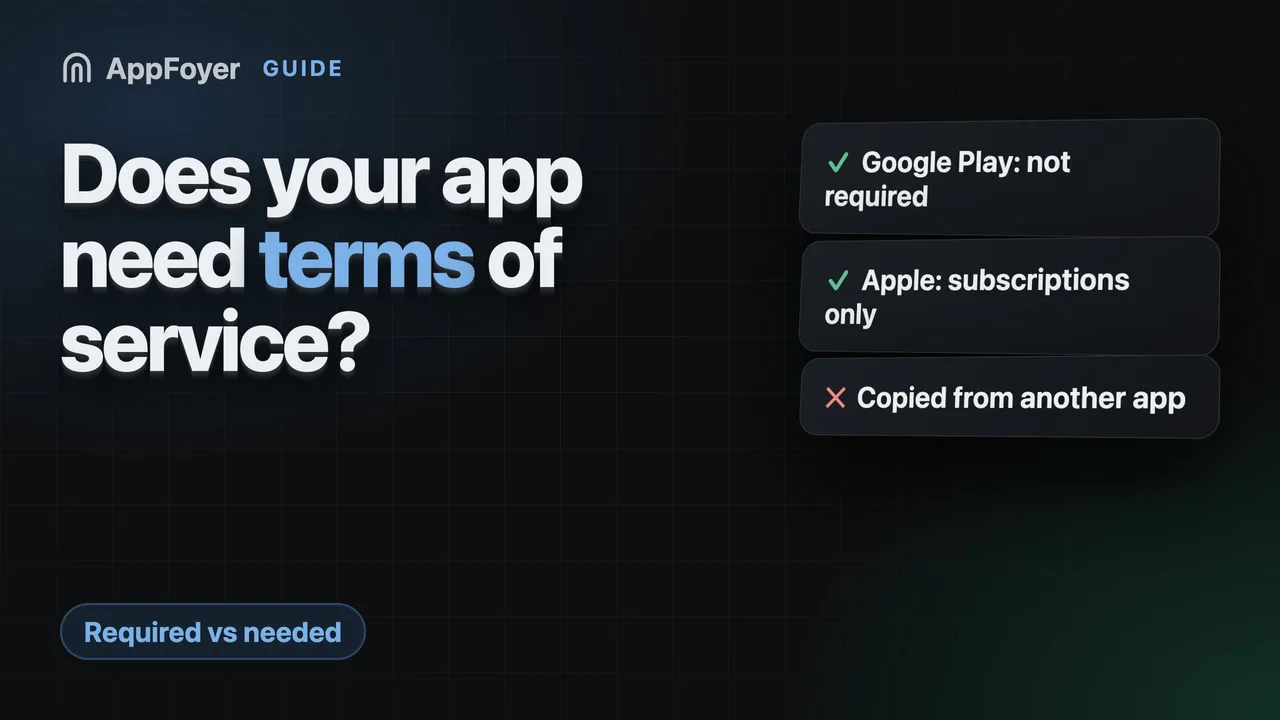
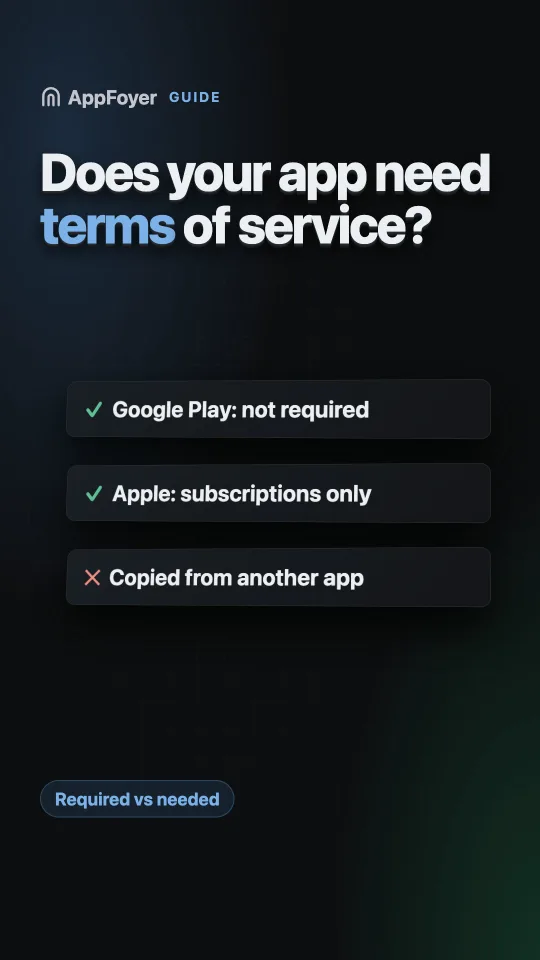
Google Play does not require a terms of service — only a privacy policy. Apple does require a Terms of Use link, but only for apps selling auto-renewable subscriptions, and its standard EULA covers that. Terms still matter for accounts, payments and liability, which is why most apps publish them.
Do this in a few minutes instead
AppFoyer hosts the pages this guide is about — privacy policy, terms, support, account deletion and app-ads.txt — on their own subdomain, with no domain or server of your own. One app is free, and nothing a store requires is ever behind a paywall.
Checked 19 September 2026. Store policies change, sometimes without notice. Everything below links to the official documentation, and that page — not this one — is the authority. If the two disagree, the store is right.
There is a lot of confident writing online saying both stores require terms of service. Read the stores’ own pages and that is not what they say — so it is worth separating the three different questions hiding inside this one.
Is it required by Google Play?
No. Play’s User Data policy is specific about what must be linked and where: “All apps must post a privacy policy link in the designated field within Play Console, and a privacy policy link or text within the app itself.” A privacy policy, twice. It says nothing about terms of service, and there is no console field for one.
Play Console’s App content section asks for a privacy policy URL and, if your app has accounts, a data deletion URL. Terms are not among them.
Is it required by Apple?
Only in one case, and it is a common one: apps offering auto-renewable subscriptions. Guideline 3.1.2 requires functional links to both the privacy policy and a Terms of Use (EULA) — in the app itself and in the metadata.
You do not have to write that EULA. Apple publishes a standard one and you may link it instead; see the Terms of Use (EULA) guide for where each version goes.
For an app with no subscriptions, Apple does not demand terms either.
So why does nearly every app have them?
Because “not required by a store” and “you do not need them” are different statements. Terms are the document that answers questions no privacy policy covers:
- Who may use the app, and what happens when someone abuses it. Without terms you have no stated basis for closing an account.
- What you owe the user, and what you do not. Warranty disclaimers and liability limits live here, and they are the reason terms exist at all.
- What the user owes you — payment, acceptable use, content they upload.
- Which law applies and where disputes are heard.
- How the terms change, and what happens if a clause is unenforceable.
If your app has accounts, takes money, hosts user content or has any moderation at all, these are questions you will eventually need an answer to. Writing it before the dispute is cheaper than after.
What belongs in an app’s terms
A workable set of sections, in the order they usually read best:
| Section | What it settles |
|---|---|
| Use of the app | Licence to use it, acceptable use, what gets an account closed |
| Accounts | Who may register, your right to suspend, the user’s right to delete |
| Purchases and subscriptions | Billing, renewal, refunds — and that the store, not you, processes payment |
| Intellectual property | Who owns the app, who owns what the user uploads |
| Disclaimer and limitation of liability | The core of the document |
| Changes | How you update the terms and how users are told |
| Contact | A real address |
Notice what is not there: data handling. That belongs in the privacy policy, and duplicating it in two documents is how the two end up contradicting each other.
What to avoid
- Copying another app’s terms with the names changed. It is a copyright problem on top of a document that describes someone else’s business.
- Promising what you cannot do. Terms that say you delete all data instantly, or guarantee uptime, are worse than silence.
- Naming a jurisdiction at random. Governing law is a real choice with real consequences.
- Hiding them. If the terms are only reachable from a link you removed in the last redesign, they are not much use as a defence.
Writing them with an AI assistant
An assistant will happily write terms, and the usual failure is the same as with a privacy policy:
asked for “terms of service for my app”, it writes the average of every set of terms it has read —
arbitration clauses, a court in a state you have never been to, promises about uptime. The prompt
below keeps it to the standard sections above, makes it check what your app actually does (sign-in,
purchases, user content) before writing, and has it mark what it does not know with [confirm: …]
instead of inventing it. If the app takes payments on iOS, it must include Apple’s standard EULA
link.
Copy it whole. Replace the bracketed facts at the top, or leave them and let the assistant ask.
You are helping me write the terms of service for my mobile app. They will be published as a web page on AppFoyer, next to the app's privacy policy, and linked from the app and its store listings. They should be short, standard and true for this app.

## About the app

- App name: [app name]
- Developer / company: [developer or company name]
- Support email: [support email]
- Platforms: [Android, iOS or both]
- Store listings: [store listing URLs, or "not listed yet"]
- Where these terms will be published: [your AppFoyer site URL]/terms
- What the app collects, as I declared it: [what the app collects — e.g. account info, analytics, ads, crash reports, location, purchases, or nothing]
- Account deletion page: [your AppFoyer site URL]/account-deletion (only if the app has user accounts)
- Country whose law applies: [country, if you have one]

## Step 1 — find the facts

If you can read this app's source code, read only its build, manifest and store-metadata files — for example `build.gradle(.kts)`, `gradle/libs.versions.toml`, `AndroidManifest.xml`, `Podfile.lock`, `Package.swift`, `Info.plist`, `PrivacyInfo.xcprivacy`, `pubspec.yaml`, `package.json`, `app.json`. Do not open `.env` files, keystores, credentials or any other secrets, and do not change any file.

From them, work out only what changes the terms:

- whether users sign in or create accounts (Firebase Auth, Sign in with Apple, Google Sign-In and the like);
- whether the app sells in-app purchases or subscriptions (StoreKit, Google Play Billing, RevenueCat and the like);
- whether users can post, upload or send content that others see (chat, comments, photos, profiles);
- whether the app shows ads or links to third-party services.

Show me that short list with the file each fact came from and ask me to confirm it. If you cannot read the code, ask me these four questions instead.

## Step 2 — ask only what you cannot know

Then ask me, in one short numbered list, and wait for my answers:

1. The minimum age to use the app.
2. Whether the app is free to use for personal purposes only, or also for business use.
3. If users can post content: what is not allowed, and whether I may remove it or close accounts.
4. Anything else you could not determine.

Never guess. Where I do not know an answer, write `[confirm: …]` in the text instead of inventing one.

## Step 3 — write the terms

Sections, in this order, leaving out any that do not apply: Acceptance of these terms · Use of the App · Accounts · Purchases and subscriptions · User content · Intellectual property · Third-party services · Disclaimer and limitation of liability · Termination · Changes to these terms · Governing law (as the placeholder below) · Contact.

- Standard, plain-language terms for a mobile app. Keep each section to a few sentences; this is not a contract negotiation.
- Purchases and subscriptions: payments are processed by the app store, prices are shown before purchase, subscriptions renew automatically until cancelled in the store account settings, refunds follow the store's policy.
- Disclaimer and limitation of liability: the app is provided "as is", and liability is limited "to the extent permitted by law".
- Do not describe how personal data is handled; that is the privacy policy's job.
- Do not promise what I cannot guarantee — uptime, instant deletion, error-free operation.
- Do not invent a company address, a court, arbitration or a jurisdiction — use `[confirm: …]`.
- Do not copy another app's terms.
- Start with `# Terms of Service`, then the line `_Last updated: [today's date]_`.
- Write these placeholders exactly as shown, never the values — they are filled in from my settings when the page is published: `{{app_name}}`, `{{developer_name}}`, `{{support_email}}`, `{{public_url}}`.
- In the Contact section, write the address as `[{{support_email}}](mailto:{{support_email}})`.
- Refer to the privacy policy as `[Privacy Policy]({{public_url}}/privacy)` instead of describing data handling here.
- If the app has user accounts, say in the Accounts section that users can request account deletion at `[{{public_url}}/account-deletion]({{public_url}}/account-deletion)`.
- Mandatory if the app is on iOS and has any in-app purchase or subscription — declared above, found in the build files or confirmed by me: in the Purchases and subscriptions section, include this sentence unchanged: For the iOS version, Apple's standard [Licensed Application End User License Agreement](https://www.apple.com/legal/internet-services/itunes/dev/stdeula/) applies to your use of the App. Never leave it out when the app takes payments.
- For governing law, write the line `{{governing_law}}` on its own and nothing else — it becomes the governing-law section when a country is set in my settings, and disappears when none is.
- End with this paragraph, unchanged:

  _This page was generated from a template provided by the hosting platform and completed by the app developer. It is not legal advice. The developer named above is solely responsible for its accuracy and for complying with the laws that apply to them._

## Format — this is pasted into a Markdown editor

- Reply with the finished terms only, as Markdown inside one ```markdown code block, with nothing before or after it.
- CommonMark only: headings, paragraphs, lists, bold, italics and links. No tables, no HTML, no images, no footnotes.
- Links only to `{{public_url}}` (for example the privacy policy), to Apple's EULA as above and to the support email. Any other link is shown as plain text on the published page, so leave it out. No link shorteners, no download links.
It is written for pages published on AppFoyer, which is why it asks for {{app_name}}-style
placeholders and ends with our disclaimer. If you publish somewhere else, delete those lines in
Step 3 and ask for the values instead. For the privacy policy, see
Writing your privacy policy with an AI assistant.
What AppFoyer does here
Terms are one of the five pages we generate, alongside the privacy policy, support and account-deletion pages. The template covers the sections above, fills in your app name, developer name, support address and store links, and adds the subscription sections — including Apple’s standard EULA link — when you tell it the app sells subscriptions on iOS.
The terms editor in the dashboard also has a Write it with your own AI panel: the prompt above, already filled in with your app’s details. Run it in any assistant, paste the reply back, read the preview, publish.
The compliance checklist keeps the page flagged until it is published and, for a subscription app, until the EULA link is actually there.
As with every generated page, it is a template you complete and are responsible for, not legal advice. If your app touches money, health data or children, have a lawyer read it.
The authoritative sources
- User Data policy — Google Play Help. The quotation above is from this page.
- App Store Review Guidelines — Apple. Section 3.1.2 is the subscription rule.
- Licensed Application End User License Agreement — Apple’s standard EULA.