The privacy policy URL an Android app needs
Where the URL goes, what the policy has to cover, and the SDK trap that catches developers who are sure their app collects nothing.
Both stores require a publicly reachable privacy policy URL that loads without a login. On Google Play it goes under App content → Privacy policy; on Apple it is a field in App Store Connect. The hard part is not the URL but the content: it must cover what every SDK in your build collects.
Do this in a few minutes instead
AppFoyer hosts the pages this guide is about — privacy policy, terms, support, account deletion and app-ads.txt — on their own subdomain, with no domain or server of your own. One app is free, and nothing a store requires is ever behind a paywall.
Checked 19 September 2026. Store policies change, sometimes without notice. Everything below links to the official documentation, and that page — not this one — is the authority. If the two disagree, the store is right.
Both stores want a publicly reachable URL for your privacy policy, and both check it. Google Play’s User Data policy puts it plainly — “all apps must post a privacy policy link in the designated field within Play Console, and a privacy policy link or text within the app itself” — and that field sits under App content → Privacy policy. On the Apple side it is a required field in App Store Connect. It has to load without a login, name your app and your company, describe what the app and everything in it collects, and still work months later — a listing is checked more than once.
The requirement is not hard. The part that catches people is the third item in that list, and it is worth the rest of this page.
“But my app doesn’t collect anything”
This is the assumption that costs people a week.
Your code may collect nothing. Your dependencies almost certainly do. A crash reporter sends device identifiers and stack traces. An analytics SDK sends events and an advertising id. An ads SDK sends rather a lot. A push library registers a token that is, by definition, tied to a device.
So the honest question is not “what do I collect” but “what does everything in my build collect”. Open your dependency file and go through it line by line — that list is the substance of your privacy policy, and it is what a reviewer compares against your Data safety answers.
Where the two disagree, the store believes the SDK.
What the policy has to cover
At minimum, in language a person can read:
- What is collected — categories, not a database schema.
- Why — the purpose of each category.
- Who else sees it — name the third parties. This is where your SDK list goes.
- How long it is kept.
- How to contact you, and how to ask for deletion.
If you have users in the EU, the UK, California, or Brazil, there are specific things each regime expects to see. This page cannot tell you which apply to you — that genuinely depends on your users and your business, and it is worth an hour of a lawyer’s time if anything about your app is unusual.
Practical things that get it rejected
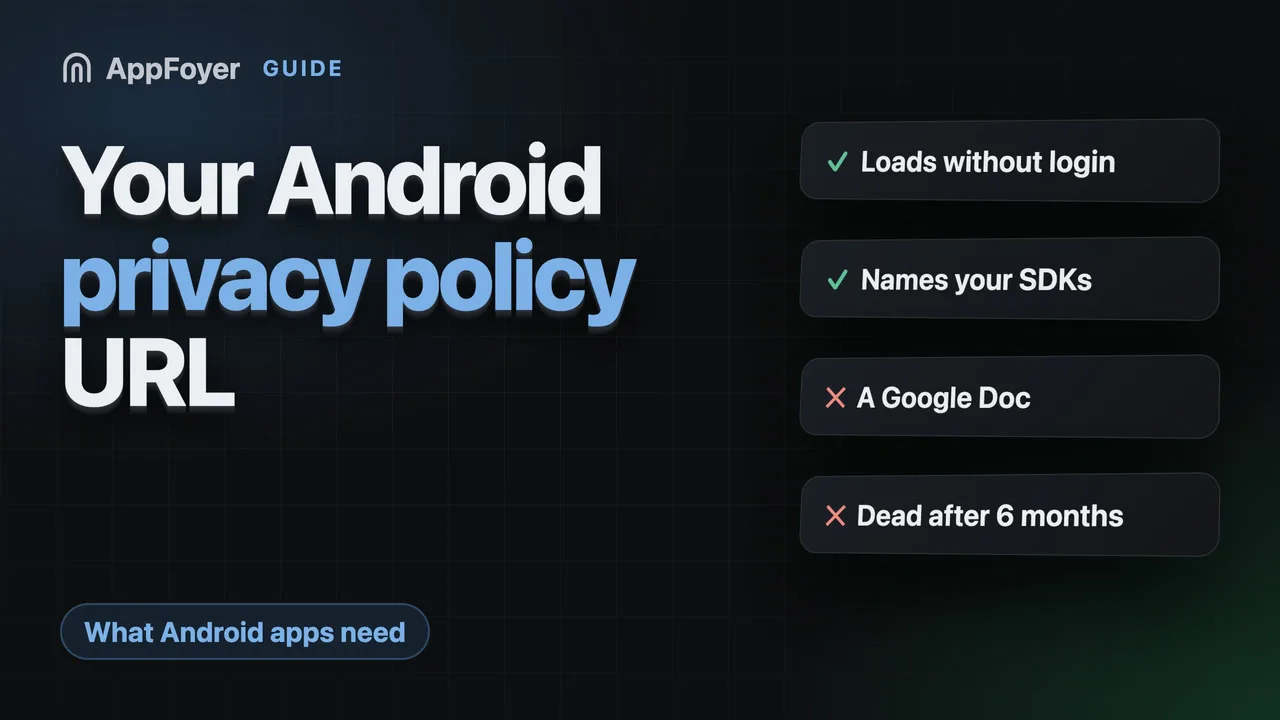
- A URL that needs a login, or one that is region-blocked.
- A PDF or a Google Doc. Sometimes accepted, often not, and it reads as improvised.
- A policy naming a different app or company — the copy-paste tell. Reviewers notice.
- A policy that contradicts your Data safety form. These are read together.
- A dead link. Six months after launch, the free host you used is gone.
Does it have to cost money?
No. A privacy policy is text on a page; what costs money is a domain, somewhere to host it that will still be there next year, and the time to write something that matches your actual app.
Be wary of generators priced per app per month. What you are renting is a template — check what happens to your URL when you stop paying, because a privacy URL that goes dark while it is printed in a live store listing is a problem you will hear about from the store, not from the vendor.
What AppFoyer does here
We generate the policy from the SDKs found in your build files — with a coding agent that reads the repository, or from a short form — and host it on its own subdomain. The checklist keeps warning you until you have replaced the placeholder where your third parties are named, because that is the part a reviewer actually reads.
The templates are a starting point, not legal advice, and every generated page says so.
The authoritative sources
- User Data policy — Google Play Help. The quotation above is from this page.
- Privacy policy requirements — Google Play Help, for where the field sits
- App Store Review Guidelines, section 5.1 — Apple