Why AdMob says your app-ads.txt was not found
How ad-network crawlers find the file, the six things that usually stop them, and how to tell a real problem from a crawl that has not run yet.
A not-found result is almost always mechanical: no developer website in your store listing, a URL pointing where the file is not, a redirect, the wrong content type, a malformed line, or a crawl that has not run yet — AdMob allows 24 hours. Files on AppFoyer subdomains are verified by AdMob.
Do this in a few minutes instead
AppFoyer hosts the pages this guide is about — privacy policy, terms, support, account deletion and app-ads.txt — on their own subdomain, with no domain or server of your own. One app is free, and nothing a store requires is ever behind a paywall.
Checked 12 October 2026. Store policies change, sometimes without notice. Everything below links to the official documentation, and that page — not this one — is the authority. If the two disagree, the store is right.
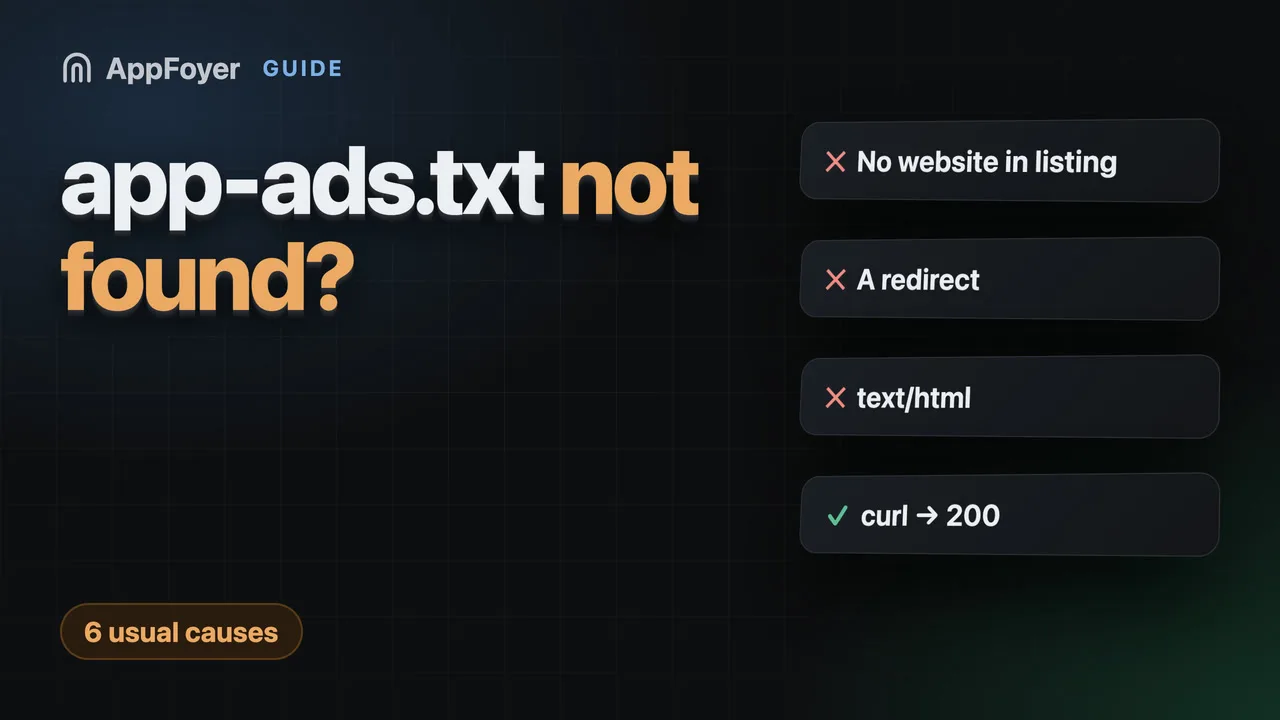
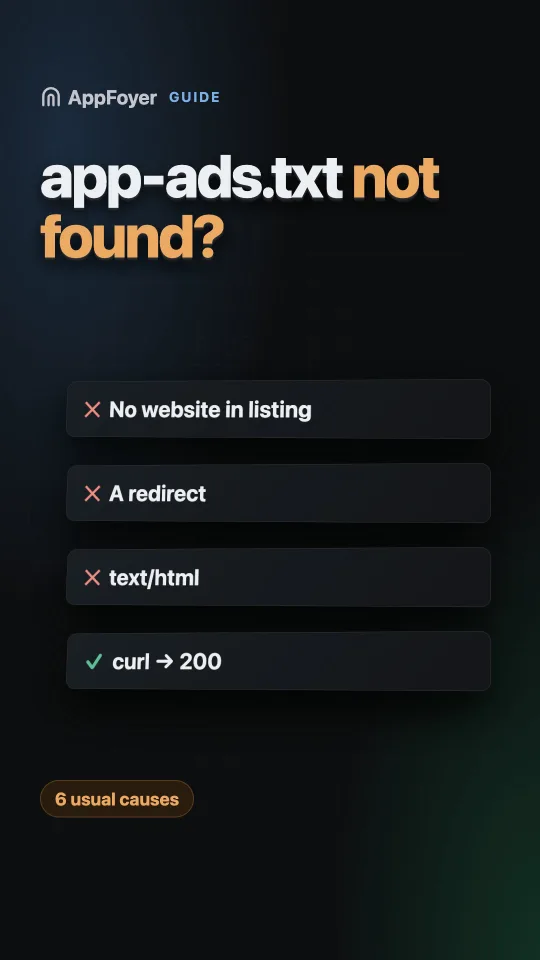
When a network reports app-ads.txt as not found, it is almost always one of six mechanical
causes: no developer website in the store listing, a website URL that points somewhere the file
is not, a redirect in front of the file, the wrong content type, a malformed line, or a crawl that
simply has not run yet. None of them are about your app, your account or your ad units.
app-ads.txt is an IAB standard that lets an ad network confirm that whoever is selling your app’s
inventory is authorised to do so. The network finds it through the website URL printed in your
store listing — which is why the causes above are all about that URL rather than about the app.
How the crawler finds the file
The chain has three links, and a break in any one produces the same message:
- The network reads the developer website URL from your store listing.
- It fetches
/app-ads.txtat the root of that domain. - It looks for a line naming the network and your publisher id.
So the file is not found via your app, your package name, or your AdMob account. It is found via the website URL printed in the store listing. Get that wrong and nothing else matters.
The six usual causes
No website URL in the listing. The most common one. If the store listing has no developer website, the crawler has nowhere to start. On the App Store that field is the optional Marketing URL, not the required Support URL — see app-ads.txt for iOS apps.
The URL points somewhere without the file. The listing says example.com but the file is on
www.example.com, or on a page path rather than the domain root.
A redirect. The specification expects the file to be served directly. A chain of redirects — even
http → https, or apex → www — is a frequent cause of failure. Serve it at 200, at the address
the listing names.
The wrong content type. It must be served as plain text. A file served as text/html, or a
hosting platform that wraps it in a page, will not parse.
A typo in the line itself. The format is strict —
domain, publisher id, relationship, certification id — and a missing comma or a stray space
breaks the line.
The crawl simply has not run yet. Networks re-crawl on their own schedule, typically measured in days rather than minutes. A file uploaded an hour ago showing as missing is usually just early.
How to check it yourself in ten seconds
curl -i https://your-domain.example/app-ads.txt
You want 200 OK, Content-Type: text/plain, no Location: header, and your lines in the body. If
curl is happy and the network still is not, the problem is upstream: the URL in the listing, or
the crawl schedule.
A note on subdomains
The specification refers to the root of the domain declared in the store listing, and a subdomain has
its own root. Serving the file from yourapp.example.page/app-ads.txt is therefore spec-legal when
that exact address is what the listing declares.
AdMob documents the rule this relies on: its crawler “probe[s] up to one subdomain level from the developer website”, and it names platform hosting such as Firebase Hosting as an acceptable place for the file.
AdMob verifies files on AppFoyer subdomains. In October 2026 AdMob reported “app-ads.txt file found and verified” for apps on both stores whose developer website is an AppFoyer address. An earlier crawl, on 23 September 2026, had reported one of those same apps as not found; it now passes with nothing changed on our side. If AdMob says “not found” for your AppFoyer address, go through the causes above and give the crawl its 24 hours. We have no crawl result of our own from other ad networks yet.
What AppFoyer does here
We serve the file as plain text with no redirect and the headers the specification asks for, give you presets for the common networks, and validate each line as you type it. We do not promise that a given network will accept it — see the paragraph above.
The authoritative sources
- Set up app-ads.txt — AdMob Help
- app-ads.txt / ads.txt specification — IAB Tech Lab