Guide Termini, supporto e scheda
La tua app ha bisogno di termini di servizio?
Cosa richiede davvero ciascuno store, perché «obbligatorio» e «una buona idea» sono risposte diverse e le cinque sezioni che fanno davvero il lavoro nei termini di un'app.
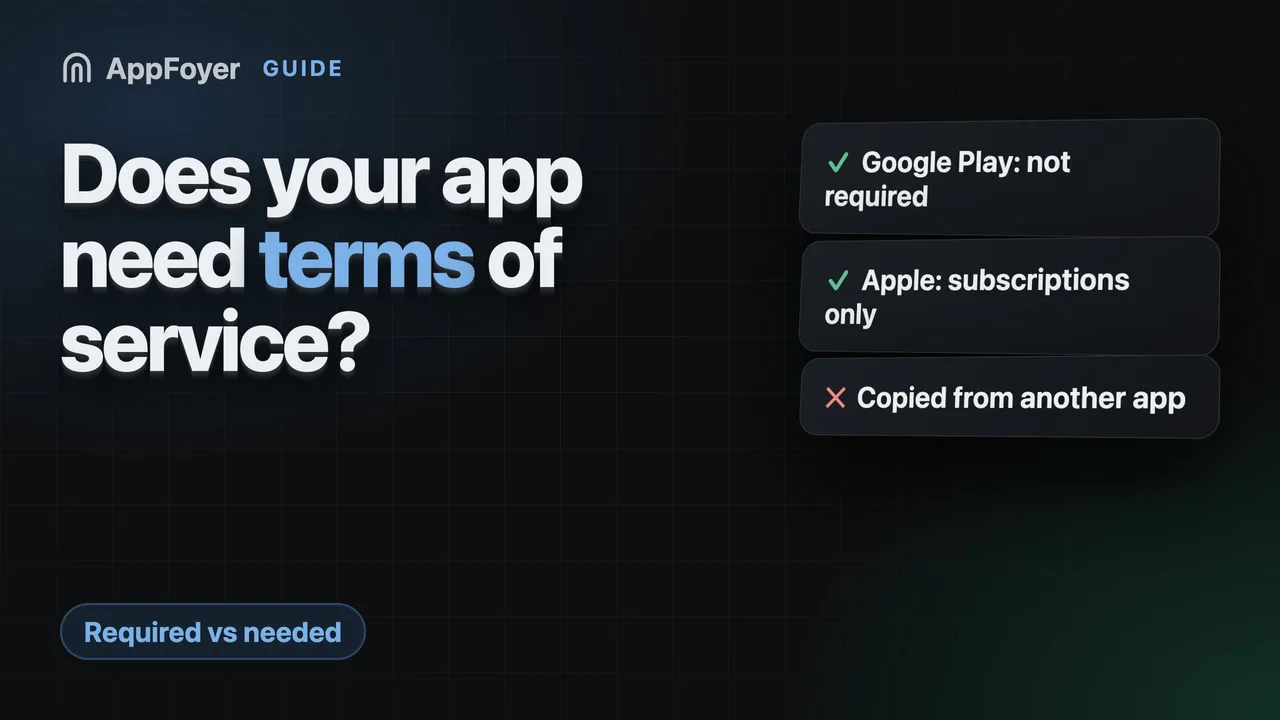
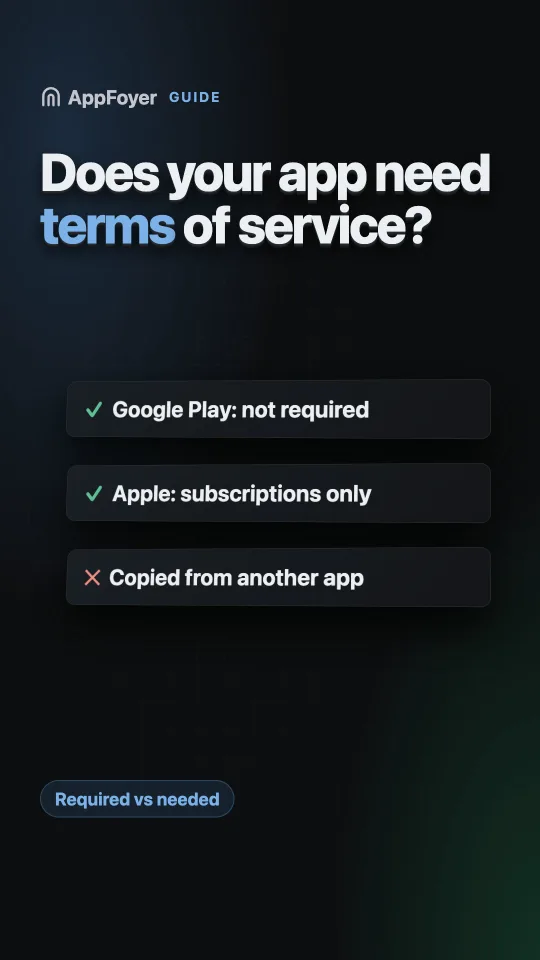
Google Play non richiede termini di servizio, solo un'informativa sulla privacy. Apple richiede un link ai Terms of Use, ma solo per le app che vendono abbonamenti a rinnovo automatico, e la sua EULA standard copre questo caso. I termini contano comunque per account, pagamenti e responsabilità, ed è per questo che la maggior parte delle app li pubblica.
Fallo invece in pochi minuti
AppFoyer ospita le pagine di cui parla questa guida (informativa sulla privacy, termini, supporto, eliminazione dell'account e app-ads.txt) su un sottodominio dedicato, senza un tuo dominio o server. Un'app è gratis, e niente di ciò che uno store richiede è mai a pagamento.
Verificata il 19 settembre 2026. Le policy degli store cambiano, a volte senza preavviso. Tutto ciò che segue rimanda alla documentazione ufficiale, ed è quella pagina, non questa, a fare fede. Se le due non concordano, ha ragione lo store. Questa guida è tradotta dall'inglese; le citazioni dalla documentazione degli store restano nell'originale inglese.
Online si trovano molti testi sicuri di sé secondo cui entrambi gli store richiedono termini di servizio. Leggi le pagine degli store stessi e non è quello che dicono, quindi vale la pena separare le tre domande diverse nascoste dentro questa.
È richiesto da Google Play?
No. La User Data policy di Play è precisa su cosa va collegato e dove: “All apps must post a privacy policy link in the designated field within Play Console, and a privacy policy link or text within the app itself.” (Traduzione: «Tutte le app devono pubblicare un link all’informativa sulla privacy nell’apposito campo di Play Console, e un link o il testo dell’informativa sulla privacy all’interno dell’app stessa».) Un’informativa sulla privacy, due volte. Non dice nulla sui termini di servizio, e non esiste un campo della console per inserirli.
La sezione App content di Play Console chiede l’URL di un’informativa sulla privacy e, se la tua app ha account, un URL per la cancellazione dei dati. I termini non sono tra questi.
È richiesto da Apple?
Solo in un caso, ed è un caso comune: le app che offrono abbonamenti a rinnovo automatico. La linea guida 3.1.2 richiede link funzionanti sia all’informativa sulla privacy sia a dei Terms of Use (EULA), nell’app stessa e nei metadati.
Non devi scrivere tu quella EULA. Apple ne pubblica una standard e puoi collegare quella al suo posto; vedi la guida ai Terms of Use (EULA) per sapere dove va ciascuna versione.
Per un’app senza abbonamenti, neanche Apple pretende dei termini.
Allora perché quasi tutte le app li hanno?
Perché «non richiesti da uno store» e «non ti servono» sono affermazioni diverse. I termini sono il documento che risponde a domande che nessuna informativa sulla privacy copre:
- Chi può usare l’app, e cosa succede quando qualcuno ne abusa. Senza termini non hai una base dichiarata per chiudere un account.
- Cosa devi all’utente, e cosa no. Le esclusioni di garanzia e i limiti di responsabilità stanno qui, e sono il motivo per cui i termini esistono.
- Cosa l’utente deve a te: pagamento, uso consentito, contenuti che carica.
- Quale legge si applica e dove si discutono le controversie.
- Come cambiano i termini, e cosa succede se una clausola non è applicabile.
Se la tua app ha account, incassa denaro, ospita contenuti degli utenti o ha una qualunque forma di moderazione, sono domande a cui prima o poi dovrai rispondere. Scriverlo prima della controversia costa meno che dopo.
Cosa va nei termini di un’app
Un insieme di sezioni che funziona, nell’ordine in cui di solito si leggono meglio:
| Sezione | Cosa stabilisce |
|---|---|
| Uso dell’app | Licenza d’uso, uso consentito, cosa porta alla chiusura di un account |
| Account | Chi può registrarsi, il tuo diritto di sospendere, il diritto dell’utente di cancellare |
| Acquisti e abbonamenti | Fatturazione, rinnovo, rimborsi, e il fatto che il pagamento lo gestisce lo store, non tu |
| Proprietà intellettuale | Di chi è l’app, di chi è ciò che l’utente carica |
| Esclusione e limitazione di responsabilità | Il cuore del documento |
| Modifiche | Come aggiorni i termini e come vengono avvisati gli utenti |
| Contatti | Un indirizzo reale |
Nota cosa non c’è: il trattamento dei dati. Quello appartiene all’informativa sulla privacy, e duplicarlo in due documenti è il modo in cui finiscono per contraddirsi.
Cosa evitare
- Copiare i termini di un’altra app cambiando i nomi. È un problema di copyright, oltre a essere un documento che descrive l’attività di qualcun altro.
- Promettere ciò che non puoi fare. Termini che dicono che cancelli tutti i dati all’istante, o che garantiscono l’uptime, sono peggio del silenzio.
- Indicare una giurisdizione a caso. La legge applicabile è una scelta reale con conseguenze reali.
- Nasconderli. Se i termini sono raggiungibili solo da un link che hai tolto nell’ultimo redesign, non servono a molto come difesa.
Scriverli con un assistente IA
Un assistente scrive volentieri dei termini, e l’errore tipico è lo stesso che con un’informativa
sulla privacy: se gli chiedi «termini di servizio per la mia app», scrive la media di tutti i termini
che ha letto, con clausole arbitrali, un tribunale in uno stato in cui non sei mai stato, promesse
sull’uptime. Il prompt qui sotto lo limita alle sezioni standard viste sopra, gli fa verificare cosa
fa davvero la tua app (accesso, acquisti, contenuti degli utenti) prima di scrivere, e gli fa segnare
ciò che non sa con [confirm: …] invece di inventarlo. Se l’app accetta pagamenti su iOS, deve
includere il link alla EULA standard di Apple.
Copialo per intero. Sostituisci i dati tra parentesi quadre in alto, oppure lasciali e lascia che sia l’assistente a chiedere.
You are helping me write the terms of service for my mobile app. They will be published as a web page on AppFoyer, next to the app's privacy policy, and linked from the app and its store listings. They should be short, standard and true for this app.

## About the app

- App name: [app name]
- Developer / company: [developer or company name]
- Support email: [support email]
- Platforms: [Android, iOS or both]
- Store listings: [store listing URLs, or "not listed yet"]
- Where these terms will be published: [your AppFoyer site URL]/terms
- What the app collects, as I declared it: [what the app collects — e.g. account info, analytics, ads, crash reports, location, purchases, or nothing]
- Account deletion page: [your AppFoyer site URL]/account-deletion (only if the app has user accounts)
- Country whose law applies: [country, if you have one]

## Step 1 — find the facts

If you can read this app's source code, read only its build, manifest and store-metadata files — for example `build.gradle(.kts)`, `gradle/libs.versions.toml`, `AndroidManifest.xml`, `Podfile.lock`, `Package.swift`, `Info.plist`, `PrivacyInfo.xcprivacy`, `pubspec.yaml`, `package.json`, `app.json`. Do not open `.env` files, keystores, credentials or any other secrets, and do not change any file.

From them, work out only what changes the terms:

- whether users sign in or create accounts (Firebase Auth, Sign in with Apple, Google Sign-In and the like);
- whether the app sells in-app purchases or subscriptions (StoreKit, Google Play Billing, RevenueCat and the like);
- whether users can post, upload or send content that others see (chat, comments, photos, profiles);
- whether the app shows ads or links to third-party services.

Show me that short list with the file each fact came from and ask me to confirm it. If you cannot read the code, ask me these four questions instead.

## Step 2 — ask only what you cannot know

Then ask me, in one short numbered list, and wait for my answers:

1. The minimum age to use the app.
2. Whether the app is free to use for personal purposes only, or also for business use.
3. If users can post content: what is not allowed, and whether I may remove it or close accounts.
4. Anything else you could not determine.

Never guess. Where I do not know an answer, write `[confirm: …]` in the text instead of inventing one.

## Step 3 — write the terms

Sections, in this order, leaving out any that do not apply: Acceptance of these terms · Use of the App · Accounts · Purchases and subscriptions · User content · Intellectual property · Third-party services · Disclaimer and limitation of liability · Termination · Changes to these terms · Governing law (as the placeholder below) · Contact.

- Standard, plain-language terms for a mobile app. Keep each section to a few sentences; this is not a contract negotiation.
- Purchases and subscriptions: payments are processed by the app store, prices are shown before purchase, subscriptions renew automatically until cancelled in the store account settings, refunds follow the store's policy.
- Disclaimer and limitation of liability: the app is provided "as is", and liability is limited "to the extent permitted by law".
- Do not describe how personal data is handled; that is the privacy policy's job.
- Do not promise what I cannot guarantee — uptime, instant deletion, error-free operation.
- Do not invent a company address, a court, arbitration or a jurisdiction — use `[confirm: …]`.
- Do not copy another app's terms.
- Start with `# Terms of Service`, then the line `_Last updated: [today's date]_`.
- Write these placeholders exactly as shown, never the values — they are filled in from my settings when the page is published: `{{app_name}}`, `{{developer_name}}`, `{{support_email}}`, `{{public_url}}`.
- In the Contact section, write the address as `[{{support_email}}](mailto:{{support_email}})`.
- Refer to the privacy policy as `[Privacy Policy]({{public_url}}/privacy)` instead of describing data handling here.
- If the app has user accounts, say in the Accounts section that users can request account deletion at `[{{public_url}}/account-deletion]({{public_url}}/account-deletion)`.
- Mandatory if the app is on iOS and has any in-app purchase or subscription — declared above, found in the build files or confirmed by me: in the Purchases and subscriptions section, include this sentence unchanged: For the iOS version, Apple's standard [Licensed Application End User License Agreement](https://www.apple.com/legal/internet-services/itunes/dev/stdeula/) applies to your use of the App. Never leave it out when the app takes payments.
- For governing law, write the line `{{governing_law}}` on its own and nothing else — it becomes the governing-law section when a country is set in my settings, and disappears when none is.
- End with this paragraph, unchanged:

  _This page was generated from a template provided by the hosting platform and completed by the app developer. It is not legal advice. The developer named above is solely responsible for its accuracy and for complying with the laws that apply to them._

## Format — this is pasted into a Markdown editor

- Reply with the finished terms only, as Markdown inside one ```markdown code block, with nothing before or after it.
- CommonMark only: headings, paragraphs, lists, bold, italics and links. No tables, no HTML, no images, no footnotes.
- Links only to `{{public_url}}` (for example the privacy policy), to Apple's EULA as above and to the support email. Any other link is shown as plain text on the published page, so leave it out. No link shorteners, no download links.
È scritto per pagine pubblicate su AppFoyer, per questo chiede segnaposto come {{app_name}} e
termina con il nostro disclaimer. Se pubblichi altrove, elimina quelle righe nello Step 3 e chiedi
invece i valori. Per l’informativa sulla privacy, vedi
Scrivere l’informativa sulla privacy con un assistente IA.
Cosa fa AppFoyer qui
I termini sono una delle cinque pagine che generiamo, insieme all’informativa sulla privacy e alle pagine di supporto e di cancellazione dell’account. Il modello copre le sezioni viste sopra, inserisce il nome dell’app, il nome dello sviluppatore, l’indirizzo di supporto e i link agli store, e aggiunge le sezioni sugli abbonamenti, compreso il link alla EULA standard di Apple, quando gli indichi che l’app vende abbonamenti su iOS.
L’editor dei termini nella dashboard ha anche un pannello Write it with your own AI (Scrivilo con la tua IA): il prompt qui sopra, già compilato con i dati della tua app. Eseguilo in qualunque assistente, incolla la risposta, leggi l’anteprima, pubblica.
La checklist di conformità continua a segnalare la pagina finché non è pubblicata e, per un’app con abbonamenti, finché il link alla EULA non è effettivamente presente.
Come ogni pagina generata, è un modello che completi tu e di cui sei responsabile, non una consulenza legale. Se la tua app ha a che fare con denaro, dati sanitari o minori, falla leggere a un avvocato.
Le fonti ufficiali
- User Data policy — Guida di Google Play. La citazione qui sopra proviene da questa pagina.
- App Store Review Guidelines — Apple. La sezione 3.1.2 è la regola sugli abbonamenti.
- Licensed Application End User License Agreement — la EULA standard di Apple.