用 AI 助手编写应用的隐私政策——一段有效的提示词
为什么“帮我写一份隐私政策”只会得到泛泛的文字,提示词应该让助手改做什么,以及一段可直接复制到 Claude、ChatGPT、Cursor 或任何编码代理中的现成提示词。
给助手证据,而不是一份问卷。让编码代理读取你应用的构建文件,以便它写出应用实际包含的 SDK 和权限;让它只问它无法知道的内容,并禁止它猜测——未知之处写成 [confirm] 备注。然后检查依赖文件中的每个 SDK 都出现在结果里。
几分钟就能搞定
AppFoyer 托管本指南所讲的页面——隐私政策、服务条款、支持、账号删除和 app-ads.txt——放在它们自己的子域名上,你无需自己的域名或服务器。一个应用免费,而且商店要求的任何内容都绝不放在付费墙后面。
核查于 2026年9月19日。 商店政策会变,有时不会事先通知。下文所有内容都链接到官方文档,以那个页面为准,而不是本页。如果两者不一致,以商店为准。 本指南译自英文;引用的商店文档保留英文原文。
AI 助手十秒钟就能写出一份隐私政策。问题在于它依据什么来写。如果你说“为我的健身应用写一份隐私政策”,它手里只有“健身”这个词,于是它会产出它读过的所有隐私政策的平均值:关于你的应用根本不设置的 cookie 的条款、为一个没有广告的应用写的广告标识符、“在必要期限内”的保留期,而你实际使用的 SDK 一个都没有。它读起来很通顺。但它也正是商店审核人员拿来与你的 Data safety 表单和 App Privacy 回答对照的部分,而这种对照正是它失败的地方。
为什么一句话的提示词会失败
- 它会编造。一个被要求填写某一节的模型就会把它填上。保留期限、法律依据、公司地址——每一项都貌似合理,每一项都是一句你从未说过的关于你业务的陈述。
- 在必须具体的地方它很笼统。最重要的一节是第三方服务清单,而一个没看过你依赖文件的模型无法写出它们的名字。
- 它会过度声明。列出你并不收集的数据并不“保险”。它与你自己在商店中的声明不一致,这是同一个问题的反方向。
- 它按聊天窗口的格式排版。表格、脚注和内联 HTML 在回复里看起来没问题,粘贴到任何地方都会变形。
提示词必须让它做什么
- 先读证据。在你的代码仓库中打开的编码代理——Claude Code、Cursor、Codex 之类——可以读取
build.gradle、Podfile.lock、Info.plist和 manifest,并列出每个 SDK 和权限及其来源文件。那份清单就是政策的实质内容。没有文件访问权限的聊天助手,应该被告知让你粘贴这些文件。 - 别碰其他任何东西。构建文件和 manifest 文件就够了。它没有理由打开
.env文件、密钥库或源代码,提示词把这一点写明,你就少操一份心。 - 只问读不出来的内容。你把数据保留多久、是否有后端、应用是否面向儿童、你是否与某个在构建中不留痕迹的合作伙伴共享数据。其他都不需要问。
- 拒绝猜测。在你不知道的地方,它写
[confirm: …]而不是一句话。一个看得见的空缺可以修补;一条编造的条款则是一句已发布的陈述。 - 按发布的地方来写。纯 Markdown,只在有用的地方放链接——服务提供方自己的隐私页面、你的支持邮箱——并附上说明本文不是法律建议的免责声明。
提示词
整段复制。替换顶部方括号中的信息,或者保留它们,让助手来问你。
You are helping me write the privacy policy for my mobile app. It will be published as a web page on AppFoyer and its URL goes into the "Privacy policy" field of Google Play and App Store Connect, where reviewers compare it with what the app actually does. Accuracy matters more than length.

## About the app

- App name: [app name]
- Developer / company: [developer or company name]
- Support email: [support email]
- Platforms: [Android, iOS or both]
- Store listings: [store listing URLs, or "not listed yet"]
- Where this policy will be published: [your AppFoyer site URL]/privacy
- What the app collects, as I declared it: [what the app collects — e.g. account info, analytics, ads, crash reports, location, purchases, or nothing]
- Account deletion page: [your AppFoyer site URL]/account-deletion (only if the app has user accounts)
- Country whose law applies: [country, if you have one]

## Step 1 — find the facts

If you can read this app's source code, read only its build, manifest and store-metadata files — for example `build.gradle(.kts)`, `gradle/libs.versions.toml`, `AndroidManifest.xml`, `Podfile.lock`, `Package.swift`, `Info.plist`, `PrivacyInfo.xcprivacy`, `pubspec.yaml`, `package.json`, `app.json`. Do not open `.env` files, keystores, credentials or any other secrets, and do not change any file.

From them, list:

- every third-party SDK or service that collects or receives user data (analytics, ads, crash reporting, sign-in, payments, push notifications, backend, AI APIs) and what it receives;
- every permission the app requests and the feature that uses it;
- whether the app sells in-app purchases or subscriptions (StoreKit, Google Play Billing, RevenueCat and the like).

Show me that list with the file each fact came from, point out anything that contradicts what I declared above, and ask me to confirm it.

If you cannot read the code, ask me to paste the dependency files (for example `app/build.gradle` and `Podfile`) or to list the SDKs and permissions myself.

## Step 2 — ask only what you cannot know

Then ask me, in one short numbered list, and wait for my answers:

1. How long each kind of data is kept, and whether there is a backend (where it runs, what it stores).
2. Whether the app is directed at children under 13.
3. Whether any data is shared with or sold to anyone beyond the services above.
4. Whether the app takes any payments, if the files did not settle it.
5. Anything else you could not determine.

Never guess. Where I do not know an answer, write `[confirm: …]` in the text instead of inventing one.

## Step 3 — write the policy

Sections, in this order, leaving out any that do not apply: Data we collect · How we use it · Third-party services · Purchases and subscriptions · Permissions · Data retention and deletion · Children · Your choices and rights · Changes to this policy · Contact.

- Plain language, short sentences. Describe what this app does; no clauses about things it does not do.
- Under Third-party services, name each provider, say what it receives and why, and link its own privacy policy page.
- Do not invent retention periods, legal bases, company addresses or a data protection officer — use `[confirm: …]`.
- Start with `# Privacy Policy`, then the line `_Last updated: [today's date]_`.
- Write these placeholders exactly as shown, never the values — they are filled in from my settings when the page is published: `{{app_name}}`, `{{developer_name}}`, `{{support_email}}`, `{{public_url}}`.
- In the Contact section, write the address as `[{{support_email}}](mailto:{{support_email}})`.
- If the app has user accounts, link account deletion as `[{{public_url}}/account-deletion]({{public_url}}/account-deletion)` in the retention and deletion section.
- Mandatory if the app is on iOS and has any in-app purchase or subscription — declared above, found in the build files or confirmed by me: in the Purchases and subscriptions section, include this sentence unchanged: For the iOS version, Apple's standard [Licensed Application End User License Agreement](https://www.apple.com/legal/internet-services/itunes/dev/stdeula/) applies to your use of the App. Never leave it out when the app takes payments.
- End with this paragraph, unchanged:

  _This page was generated from a template provided by the hosting platform and completed by the app developer. It is not legal advice. The developer named above is solely responsible for its accuracy and for complying with the laws that apply to them._

## Format — this is pasted into a Markdown editor

- Reply with the finished policy only, as Markdown inside one ```markdown code block, with nothing before or after it.
- CommonMark only: headings, paragraphs, lists, bold, italics and links. No tables, no HTML, no images, no footnotes.
- Links only to the providers' own privacy policy pages, to `{{public_url}}`, to Apple's EULA as above and to the support email. Any other link is shown as plain text on the published page, so leave it out. No link shorteners, no download links.
它是为发布在 AppFoyer 上的页面编写的,所以它要求使用 {{app_name}} 这类占位符,并以我们的免责声明结尾。如果你在其他地方发布,请删除 Step 3 中关于占位符、删除链接和结尾段落的那几行,并改为要求它填写实际值。
发布它写的内容之前
助手起草了它;发布它的人是你。按以下顺序检查:
- 依赖文件中的每个 SDK 都出现在政策里,并且政策里没有出现依赖文件中没有的东西。这是一项机械的测试,实际上也是审核人员在做的测试。
- 每一处
[confirm: …]都已替换为真实的回答,或者删除了那句话。 - 第三方那一节与你的 Data safety 表单和 App Privacy 回答一致。如果不一致,其中一个是错的——不管是哪一个,都要改正。
- 如果应用收费,Apple 的 EULA 链接要在。带有应用内购买或订阅的 iOS 应用,要在隐私政策中链接 Apple 的标准 Licensed Application End User License Agreement;提示词要求了这一点,所以检查它是否保留了下来。
- 保留期限是你自己的。只有你知道你的后端保存了什么、保存多久。
- 任何特殊情况都交给律师。健康数据、金融、儿童,或与合作伙伴共享的数据——提示词改变不了模板覆盖不到的东西。
AppFoyer 在这里做什么
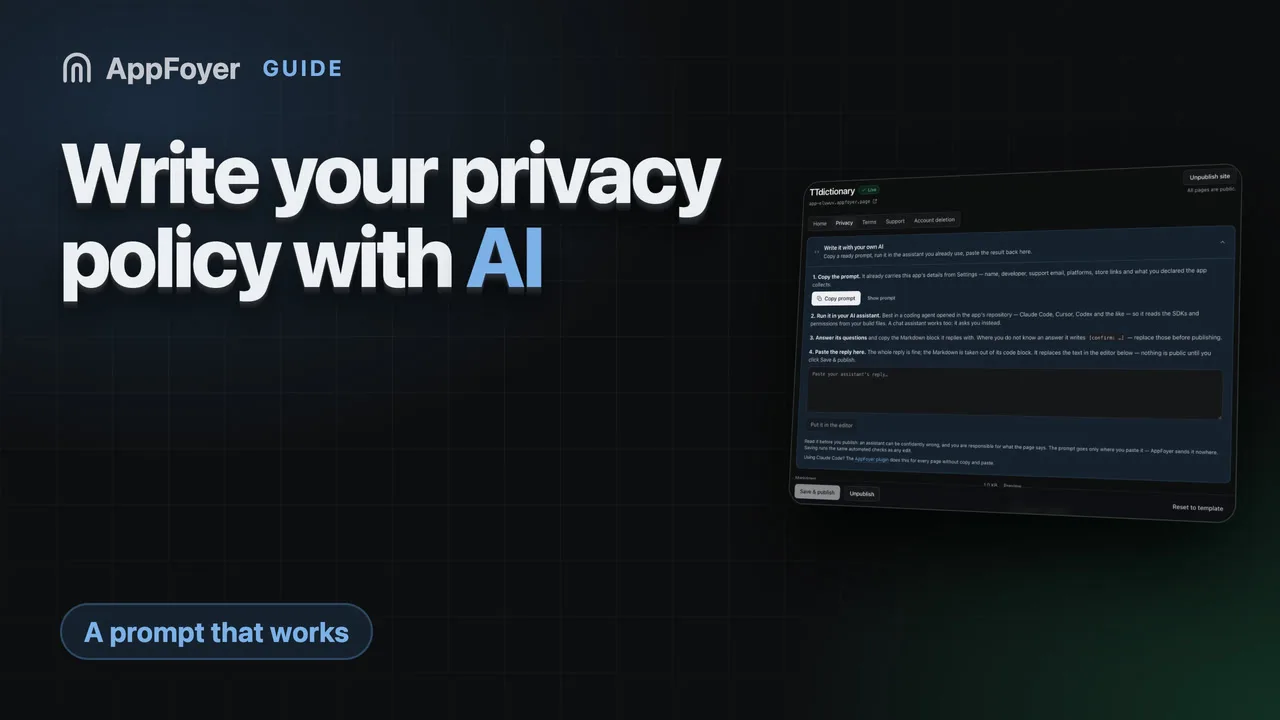
控制台中的隐私页面编辑器有一个 Write it with your own AI(用你自己的 AI 来写)面板:同样的提示词,已经填好了你应用的名称、开发者、支持邮箱、平台、商店链接以及你声明的数据。复制它,在你使用的任何助手中运行,再把回复粘贴回面板——Markdown 会从代码块中取出并放进编辑器,预览会准确显示将要发布的内容。在你点击发布之前,什么都不会公开,而且这段文字会经过与其他任何编辑相同的自动检查。
条款页面也有同样的面板,配有它自己的提示词——收录在你的应用需要服务条款吗?中。如果你使用 Claude Code,AppFoyer 插件无需复制粘贴就能为全部五个页面完成同样的工作,而且它同样不能发布。两种途径都不是法律建议,每个页面都会这样注明。
权威来源
- Privacy policy requirements — Google Play 帮助中心
- Provide information for Google Play’s Data safety section — Google Play 管理中心帮助,说明 SDK 的数据需要由你来声明
- App privacy details on the App Store — Apple